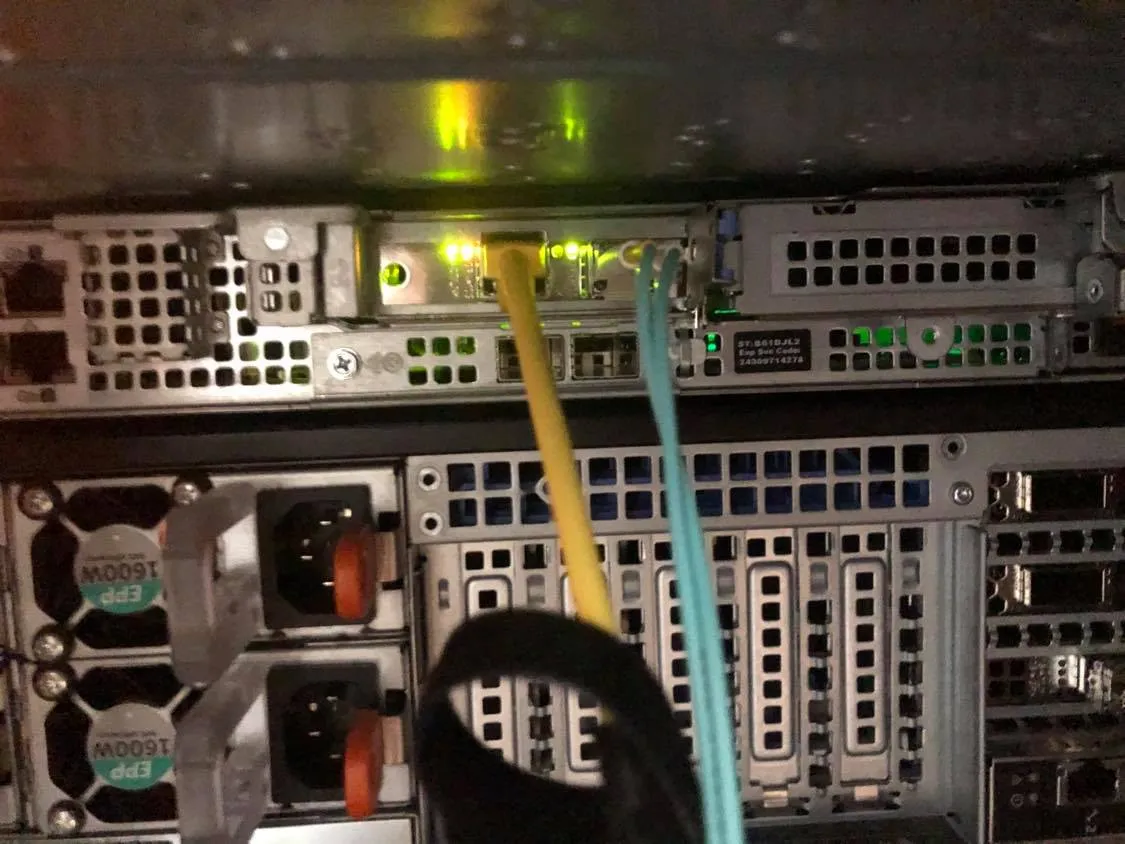
Testing Intel x520 on RHEL 6
View on GitHubTesting Intel x520 on RHEL 6
RHEL Release
Section titled “RHEL Release”[root@r440 ~]# cat /etc/*-releaseLSB_VERSION=base-4.0-amd64:base-4.0-noarch:core-4.0-amd64:core-4.0-noarch:graphics-4.0-amd64:graphics-4.0-noarch:printing-4.0-amd64:printing-4.0-noarchRed Hat Enterprise Linux Server release 6.10 (Santiago)Red Hat Enterprise Linux Server release 6.10 (Santiago)Server/Card Model
Section titled “Server/Card Model”# ServerDell R440
# Card Model[root@r440 ~]# lspci | grep Network3b:00.0 Ethernet controller: Intel Corporation 82599ES 10-Gigabit SFI/SFP+ Network Connection (rev 01)3b:00.1 Ethernet controller: Intel Corporation 82599ES 10-Gigabit SFI/SFP+ Network Connection (rev 01)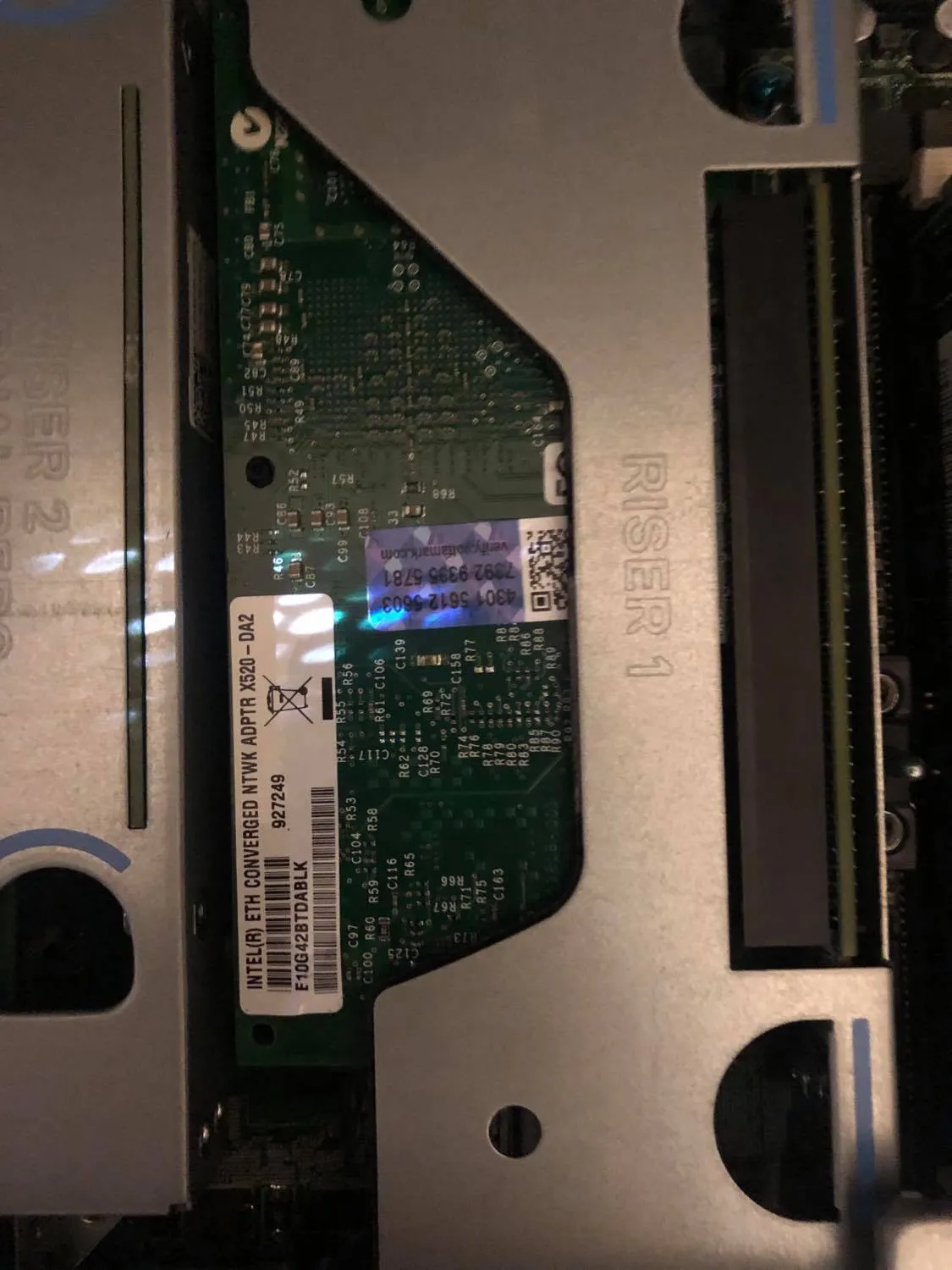
Note: As shown in the product documentation is the name of the controller for the Intel x520.
Server Inventory
Section titled “Server Inventory”I have attached the server inventory so that it can be used for comparison. Note: Because I did not use an x520 that came with the box or flash it with idrac compatible drivers it does not appear under network devices, but it does appear under PCI devices as expected.
SFPs Used
Section titled “SFPs Used”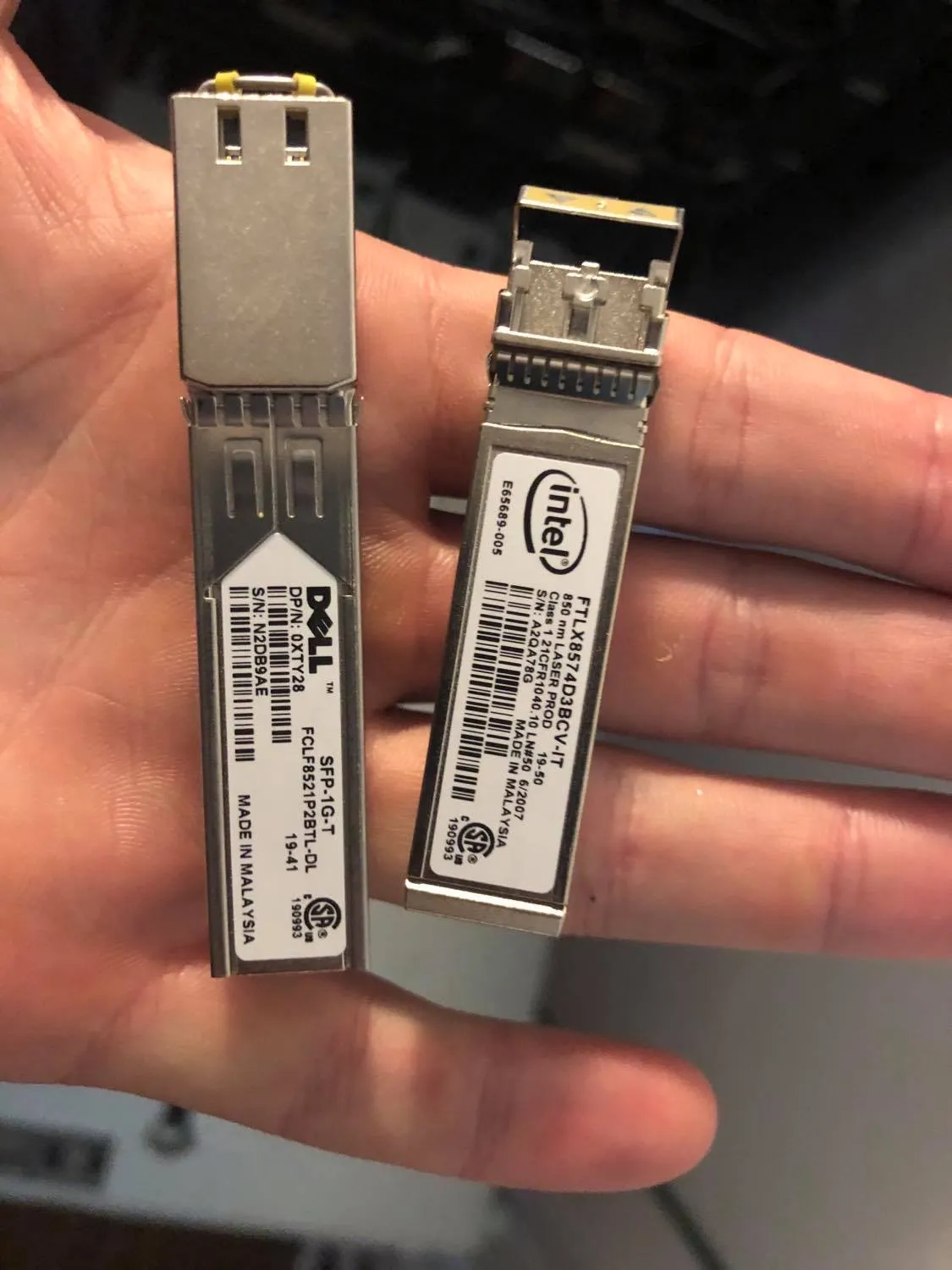
Testing
Section titled “Testing”Basic Connectivity
Section titled “Basic Connectivity”On initial install of RHEL 6.10 both the 1Gb/s ethernet SFP and the 10Gb/s fiber SFP were detected without issue and pulled DHCP addresses as expected:
4: p2p1: <BROADCAST,MULTICAST,UP,LOWER_UP> mtu 1500 qdisc mq state UP qlen 1000 link/ether 90:e2:ba:8b:88:14 brd ff:ff:ff:ff:ff:ff inet 192.168.1.214/24 brd 192.168.1.255 scope global p2p1 inet6 2601:152:4100:212f:92e2:baff:fe8b:8814/64 scope global dynamic valid_lft 86393sec preferred_lft 14393sec inet6 fe80::92e2:baff:fe8b:8814/64 scope link valid_lft forever preferred_lft forever5: p2p2: <BROADCAST,MULTICAST,UP,LOWER_UP> mtu 1500 qdisc mq state UP qlen 1000 link/ether 90:e2:ba:8b:88:15 brd ff:ff:ff:ff:ff:ff inet 192.168.1.242/24 brd 192.168.1.255 scope global p2p2 inet6 2601:152:4100:212f:92e2:baff:fe8b:8815/64 scope global dynamic valid_lft 86393sec preferred_lft 14393sec inet6 fe80::92e2:baff:fe8b:8815/64 scope link valid_lft forever preferred_lft foreverThey both operated without modification at the correct speed:
[root@r440 ~]# ethtool p2p1 | grep -i speed && ethtool p2p2 | grep -i speed Speed: 10000Mb/s Speed: 1000Mb/sMy initial firmware version was:
[root@r440 ~]# ethtool -i p2p1driver: ixgbeversion: 4.2.1-kfirmware-version: 0x61c10001bus-info: 0000:3b:00.0supports-statistics: yessupports-test: yessupports-eeprom-access: yessupports-register-dump: yessupports-priv-flags: noLights operated as expected:
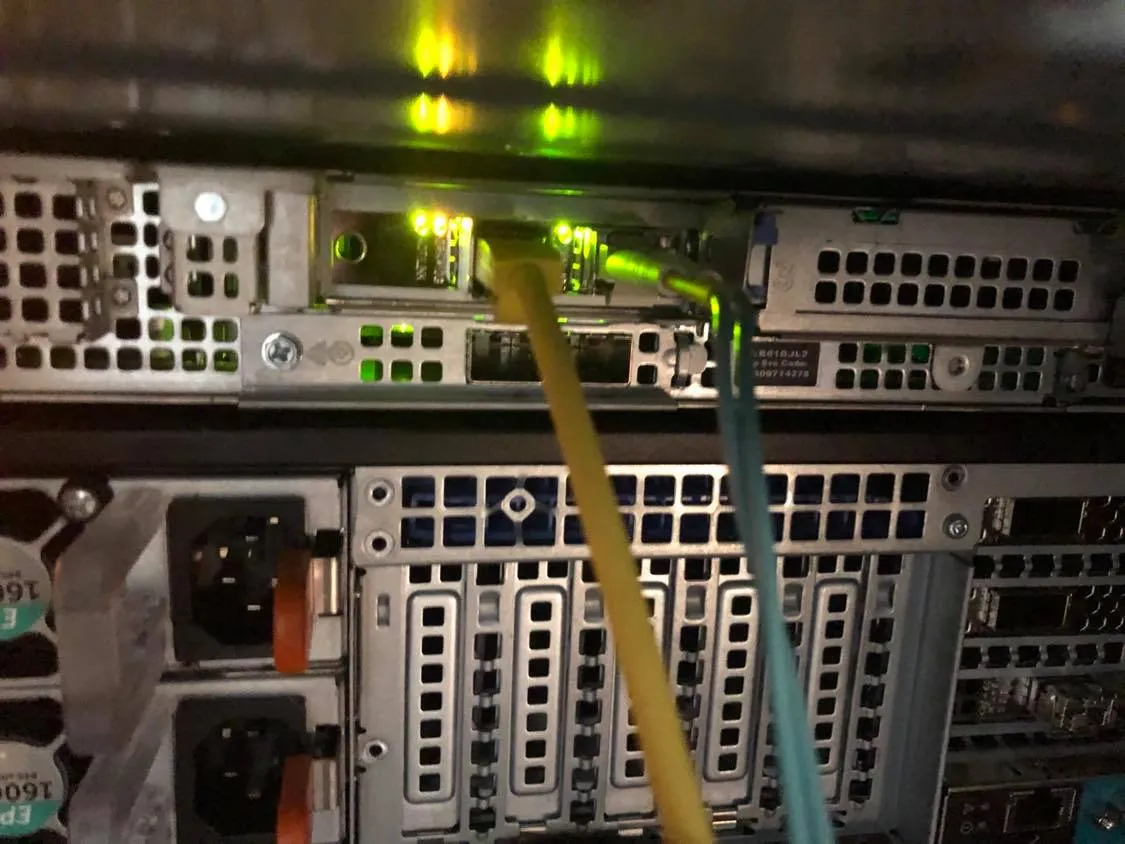
I went to Dell’s support website and pulled the latest driver for the R440 / x520 which was released 30 November 2018.
When I ran the script I was given additional version info:
Update Package 18.08.200 (BLD_311)Copyright (c) 2003 Dell, Inc. All Rights Reserved.Release Title:Intel NIC Family Version 18.8.0 Firmware for I350, I354, X520, X540, and X550 adapters, 18.8.9, A00
Release Date:October 05, 2018
However this got me This Update Package is not compatible with your system configuration.. I didn’t investigate why. I took the card out of another box and added it to this one so I wasn’t overly surprised.
I decided to pull directly from Intel. The latest driver I could find was 5.5.5 available here.
Detailed DescriptionOverview
This is the most current release of the ixgbe driver for Linux*, which supports kernel versions 2.6.18 up through 4.20.
It also has been tested on the following distributions:
RHEL* 6.10RHEL 7.6SLES* 12SP4SLES 15Ubuntu* 18.04

Changes in this release:
Added support for 4.20 kernel versionAdded support for SLES 12SP4Added support for RHEL 7.6
I ran:
make installrmmod ixgbe && insmod /root/Downloads/ixgbe-5.5.5/src/ixgbe.koto load the driver. I did not see any problems with a speed drop:
[root@r440 ~]# ethtool p2p1 | grep -i speed && ethtool p2p2 | grep -i speed Speed: 10000Mb/s Speed: 1000Mb/sVersion confirmation:
[root@r440 ~]# ethtool -i p2p1driver: ixgbeversion: 5.5.5firmware-version: 0x61c10001, 255.65535.255bus-info: 0000:3b:00.0supports-statistics: yessupports-test: yessupports-eeprom-access: yessupports-register-dump: yessupports-priv-flags: yesI confirmed the lights continued to work as expected.